Question
You have a Microsoft 365 E5 subscription that uses Microsoft Defender for Endpoint.
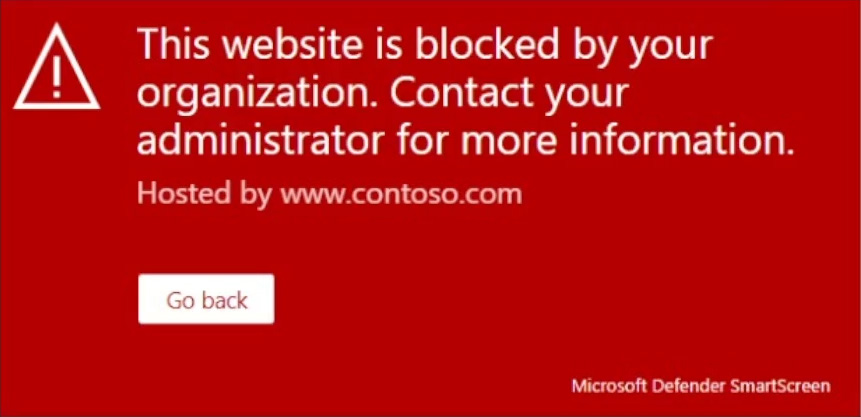
When users attempt to access the portal of a partner company, they receive the message shown in the following exhibit.
You need to enable user access to the partner company's portal.
Which Microsoft Defender for Endpoint setting should you modify?
- A. Alert notifications
- B. Alert suppression
- C. Custom detections
- D. Advanced hunting
- E. Indicators Correct
Explanation
The message indicates that the website is blocked by Defender SmartScreen. To enable access to the partner company's portal, you need to modify the Indicators setting in Microsoft Defender for Endpoint to allow specific URLs or domains.
